What do our WooCommerce development services include?
Our WooCommerce development services cover everything from first store setup to scaling an established store that has grown beyond its original build. WooCommerce gives you complete control of code, data and hosting, and our job is to turn that flexibility into a store that is fast, stable and easy to operate.
Because WooCommerce runs inside WordPress, it is a natural fit for brands that rely heavily on content: buying guides, recipes, tutorials and editorial campaigns live alongside products, sharing one login, one design system and one SEO foundation. If you need a WordPress site without a store, see our WordPress website development services.
- Store setup and design: custom WooCommerce themes, product templates and checkout flows.
- Custom plugin development: pricing rules, product configurators, B2B features and admin tools.
- Integrations: ERP, inventory, shipping, tax, CRM and marketplace connections.
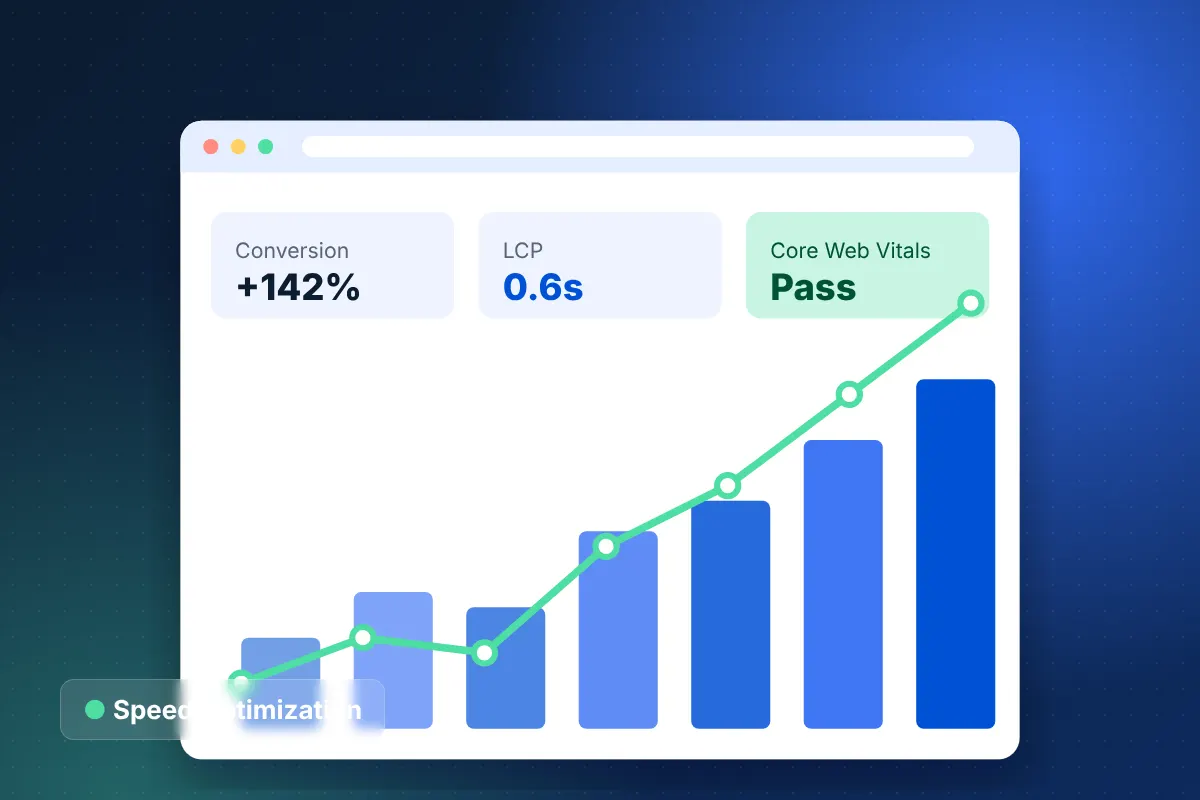
- Performance and scaling: database optimization, caching and hosting architecture.
- Rescue and maintenance: plugin cleanup, security fixes, upgrades and ongoing support.
When is WooCommerce the right ecommerce platform?
WooCommerce is the right platform when you want full ownership of your stack, deep customization and content and commerce in one place. It is less suitable if you want a fully managed platform with minimal technical responsibility.
| Consideration | WooCommerce | Shopify |
|---|---|---|
| Ownership | Open source; you own code and data and choose hosting | SaaS; Shopify hosts and controls the platform |
| Customization | Unlimited through PHP, hooks and custom plugins | Extensive within Shopify's APIs and extension points |
| Content capabilities | Full WordPress CMS built in | Good, but less flexible for content-heavy sites |
| Maintenance | Your responsibility or your agency's | Platform maintenance handled by Shopify |
| Hosting | Choose and manage your own | Included in the subscription |
For a deeper comparison, read Shopify vs WooCommerce. If you are moving away from Shopify for more control, our Shopify to WooCommerce migration service handles products, customers, orders and SEO.
WooCommerce store setup done properly
Proper WooCommerce store setup prevents most of the problems we are asked to fix later. A professional WooCommerce developer configures the store for accuracy, speed and growth from day one.
- Product architecture: attributes, variations, categories and custom fields designed for filtering and future catalog growth.
- Checkout: the block-based Cart and Checkout, payment gateways, digital wallets and fraud screening.
- Shipping and tax: zones, live carrier rates and automated sales tax for the states and countries you sell to.
- Order operations: statuses, emails, inventory rules and fulfillment workflows that match how your warehouse works.
- Tracking: GA4 ecommerce events and marketing pixels, ideally with server-side delivery.
- Plugin review: only well-maintained plugins, each with a clear purpose and owner.
Enterprise WooCommerce: scaling beyond plugins
Enterprise WooCommerce stores can handle large catalogs and high order volumes when the architecture is engineered for it rather than assembled from plugins. These are the areas where we focus.
High-Performance Order Storage (HPOS)
HPOS moves orders out of WordPress's general posts tables into dedicated order tables, which improves query speed and reliability as order history grows. We enable HPOS, verify plugin compatibility and migrate legacy order data safely.
Infrastructure built for traffic
We architect hosting with object caching, a tuned database, a CDN and background processing through Action Scheduler so imports and syncs never slow the storefront. Our ecommerce hosting AWS team provides managed environments with autoscaling, staging and automated backups.
Custom plugins instead of plugin stacks
Stores that run dozens of plugins become slow and fragile. We replace overlapping extensions with focused custom plugins that follow WordPress coding standards, include automated tests and are documented for your team.
ERP and marketplace integrations
We connect WooCommerce to ERP, inventory and accounting systems through the WooCommerce REST API and webhooks, using queued jobs with retries so a slow external system never blocks checkout. The same approach keeps stock levels accurate when you also sell on Amazon, eBay or Walmart.
B2B and subscriptions
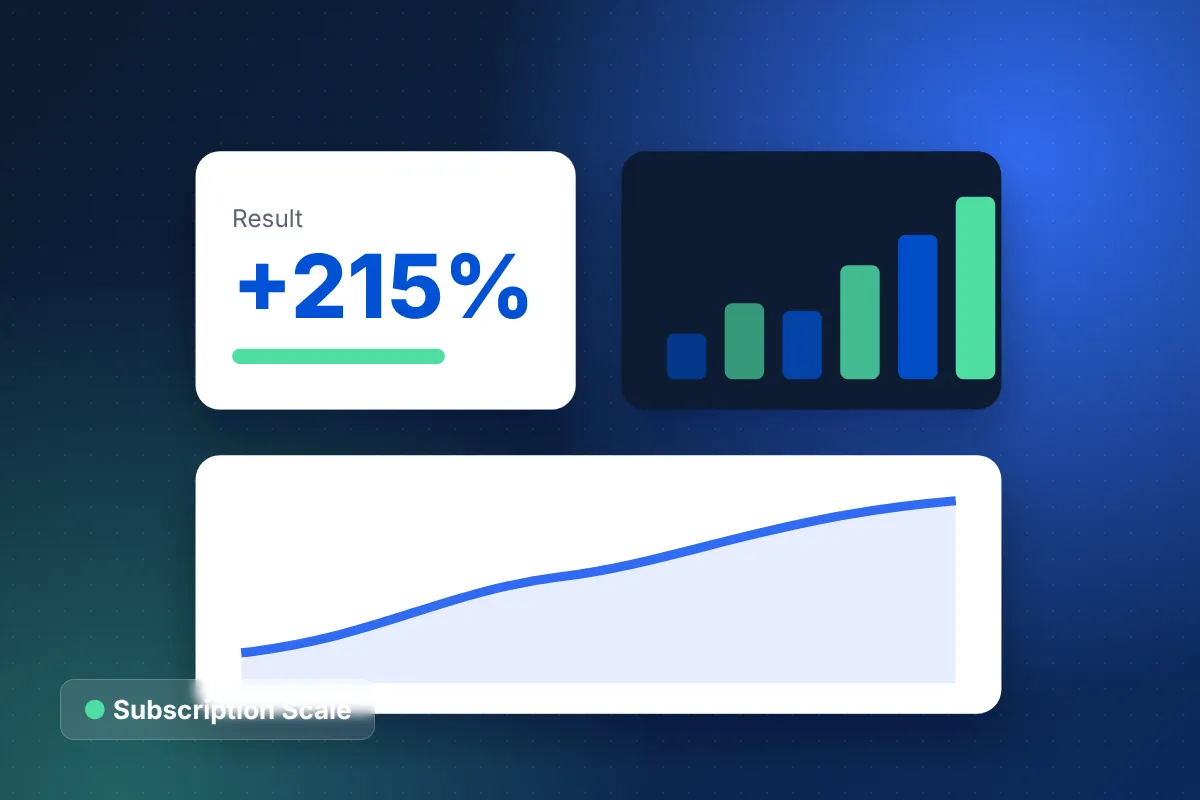
We build wholesale pricing, customer-specific catalogs, quote requests and net terms, and configure subscription products with renewals and dunning, connected to your ERP or billing system. Our subscription ecommerce case study shows what a well-engineered recurring model can achieve: $1.2M in added ARR with 88% subscriber retention.
Common WooCommerce problems our developers fix
Most stores that come to us are not broken; they have grown faster than their original build. These are the issues we resolve most often.
- Slow admin and checkout caused by bloated options tables, unindexed queries and plugin conflicts.
- Inventory mismatches between WooCommerce, marketplaces and the warehouse due to unreliable sync plugins.
- Failed updates where outdated custom code breaks after WordPress, WooCommerce or PHP upgrades.
- Security gaps from abandoned plugins, shared admin accounts and missing firewall rules.
- Tracking gaps where GA4 revenue does not match actual orders.
We start with an audit that ranks each issue by revenue impact and effort, then fix the highest-value items first. Many stores see noticeable improvements within the first few sprints, well before any larger rebuild is considered.
How much do WooCommerce development services cost?
WooCommerce development services are scoped after a free strategy call, because cost depends on design, custom plugins, integrations and data migration. Our smallest engagements start around $15,000, specialized custom stores typically fall between $25,000 and $60,000, and enterprise or multi-region B2B WooCommerce builds can reach $60,000–$150,000+.
Unlike SaaS platforms, WooCommerce has no platform subscription, but you should budget for hosting, premium extensions and maintenance. We document these recurring costs during discovery, along with a realistic maintenance budget, so you can compare total cost of ownership against SaaS alternatives honestly. Projects follow our six-phase process, typically take 8–16 weeks and are billed as fixed-price milestones, with 100% of the code owned by you.
Hire a WooCommerce developer team in Houston, Texas
Hiring a WooCommerce developer team rather than an individual gives you design, engineering, QA, hosting and support under one contract. Our 15+ years in commerce engineering and 350+ ecommerce projects mean we have seen most WooCommerce failure modes and know how to prevent them.
From our Houston office, we work with merchants across Texas, the US and international markets. Expect replies within 24 hours, a mutual NDA on request, ISO 27001 security practices and 24/7 monitoring with a 15-minute critical response SLA after launch.
We also hand over everything: repository access, hosting credentials, documentation and an onboarding session for your internal developers, so you are never locked in to us.
Start your WooCommerce development project
Whether you are launching a new store or stabilizing one that has outgrown its plugins, we can map out the right next step. Book a free ecommerce strategy call for 30 minutes 1:1 with a WooCommerce specialist and receive a free estimate for your WooCommerce development services scope. For an instant range, try our ecommerce website cost calculator.