ADA Compliance for Ecommerce Websites: A Practical WCAG 2.2 AA Guide
ADA compliance for ecommerce websites means making your online store usable by people with disabilities, including shoppers who rely on screen readers, keyboards or magnification. The ADA does not name a technical standard for private businesses' websites, so most stores use WCAG 2.2 Level AA as the practical benchmark for accessible navigation, product pages, forms and checkout.
 Custom Ecommerce Website Development
Published
Updated 8 min read
Custom Ecommerce Website Development
Published
Updated 8 min read
This article is general information about web accessibility, not legal advice. For questions about your legal obligations or a specific complaint, consult a qualified attorney.
ADA compliance for ecommerce websites is about making sure every shopper can browse, choose and buy, including people who use screen readers, keyboard-only navigation, voice control or screen magnification. It is also good business: accessible stores tend to be clearer, faster and easier for everyone to use.
This guide explains how the ADA relates to online stores, why WCAG 2.2 Level AA is the standard most teams work toward, which issues show up most often on ecommerce sites, and how to build an accessibility program that lasts beyond a one-time fix.
Does the ADA apply to ecommerce websites?
The U.S. Department of Justice has stated that the Americans with Disabilities Act applies to the web content of businesses open to the public, which includes retailers selling online. Title III of the ADA covers places of public accommodation, and courts and the DOJ have increasingly treated online stores as part of that obligation.
What the ADA does not do is set a specific technical standard for private businesses' websites. The DOJ's 2022 web accessibility guidance gives businesses flexibility in how they comply, while pointing to the Web Content Accessibility Guidelines (WCAG) as helpful existing technical standards. For state and local governments under Title II, the DOJ's 2024 rule adopted WCAG 2.1 Level AA as the technical standard.
Courts have reached different conclusions on some questions, such as whether a business without a physical location is covered, so the details depend on jurisdiction. That is exactly why legal questions belong with an attorney, while the practical work of making your store accessible belongs with your design and development team.
What is WCAG 2.2 AA and why do online stores use it?
WCAG 2.2 is the current version of the W3C's Web Content Accessibility Guidelines, published as a W3C Recommendation in October 2023. Level AA is the conformance level most organizations, regulators and procurement policies use as the benchmark for accessible websites.
WCAG is organized around four principles, often abbreviated as POUR:
- Perceivable — content can be seen or heard, for example images have text alternatives and text has enough contrast.
- Operable — everything works with a keyboard, focus is visible and users have enough time.
- Understandable — labels, instructions and errors are clear, and navigation is consistent.
- Robust — code works with assistive technologies such as screen readers.
WCAG 2.2 builds on 2.1 and adds new success criteria. Those most relevant to ecommerce at Levels A and AA are Focus Not Obscured (Minimum), Dragging Movements, Target Size (Minimum), Consistent Help, Redundant Entry and Accessible Authentication (Minimum). Because WCAG 2.2 is backward compatible, a site that meets 2.2 AA also meets 2.1 AA.
For brands that sell into Europe, the European Accessibility Act has applied to many ecommerce services since June 28, 2025, which is another reason to treat accessibility as a core requirement rather than an add-on.
What does a WCAG 2.2 AA checklist for ecommerce include?
A practical checklist focuses on the parts of the store shoppers must use to complete a purchase: navigation, search and filters, product pages, cart, account and checkout. Work through it template by template.
Navigation and layout
- Provide a "skip to main content" link and a logical heading structure on every template.
- Make menus, mega menus and drawers fully operable with a keyboard, including Escape to close.
- Show a clearly visible focus indicator, and make sure sticky headers or chat widgets do not hide the focused element.
- Keep navigation and help options, such as contact links or chat, in a consistent place across pages.
Product listing and product pages
- Give product images meaningful alt text; mark purely decorative images so screen readers skip them.
- Ensure filters, sort controls, swatches and quantity selectors have accessible names and announce their state.
- Provide alternatives to drag-only interactions such as sliders and carousels.
- Make interactive targets at least 24 by 24 CSS pixels, or spaced so they do not overlap.
- Caption product videos and provide transcripts for audio content.
Cart, account and checkout
- Label every form field programmatically; do not rely on placeholder text alone.
- Identify errors in text, explain how to fix them and move focus or announce them to screen readers.
- Do not ask shoppers to re-enter information already provided, such as shipping address as billing address, unless necessary.
- Avoid login steps that require solving puzzles or memorizing codes without an accessible alternative, and allow password managers and paste.
- Announce cart updates, such as "item added", through live regions.
Visual design and content
- Meet contrast ratios of at least 4.5:1 for normal text and 3:1 for large text, icons and UI component boundaries.
- Do not use color alone to convey meaning, such as sale prices or out-of-stock status.
- Support zoom to 200% and reflow at narrow widths without loss of content or horizontal scrolling.
- Give pause controls to auto-rotating carousels and animations.
What are the most common accessibility issues on ecommerce websites?
The most common issues are missing alt text, low contrast, unlabeled form fields, keyboard traps in menus and modals, and inaccessible custom widgets. Most are fixable in templates, which means one fix often resolves hundreds of pages.
| Common store issue | Who it affects | Related WCAG criterion | Typical fix |
|---|---|---|---|
| Product images with missing or generic alt text | Screen reader users | 1.1.1 Non-text Content (A) | Descriptive alt text from product data; empty alt for decorative images |
| Light gray text, low-contrast buttons and sale badges | Low-vision and color-blind shoppers | 1.4.3 Contrast (Minimum) (AA), 1.4.11 Non-text Contrast (AA) | Update design tokens to meet 4.5:1 and 3:1 ratios |
| Mega menus, quick-view modals and cart drawers that trap focus or cannot be reached | Keyboard and switch users | 2.1.1 Keyboard (A), 2.1.2 No Keyboard Trap (A) | Proper focus management and Escape to close |
| Checkout fields with placeholder-only labels and unclear errors | Screen reader and cognitive-disability users | 1.3.1 Info and Relationships (A), 3.3.1 Error Identification (A), 3.3.2 Labels or Instructions (A) | Visible labels, linked error messages, autocomplete attributes |
| Swatches and filters built from unlabeled divs | Screen reader and voice control users | 4.1.2 Name, Role, Value (A) | Native buttons or correct ARIA roles and states |
| Small, tightly packed tap targets on mobile | Users with motor impairments | 2.5.8 Target Size (Minimum) (AA) | Minimum 24 by 24 CSS pixel targets or adequate spacing |
| Sticky headers or cookie banners covering the focused element | Keyboard users | 2.4.11 Focus Not Obscured (Minimum) (AA) | Scroll padding and non-overlapping banners |
| Auto-playing carousels without pause | Users with attention, vestibular or vision needs | 2.2.2 Pause, Stop, Hide (A) | Pause controls and no auto-advance by default |
Third-party apps are a frequent source of these issues. Review widgets, chat tools, upsell popups and loyalty apps should be tested with the same rigor as your own templates.
Are accessibility overlays enough for ADA compliance?
No. Overlay widgets that add a toolbar or attempt automatic fixes cannot reliably repair inaccessible code, and they do not by themselves make a site conform to WCAG. Many accessibility practitioners and disability advocates have raised concerns that overlays can interfere with the assistive technology shoppers already use.
Accessibility is part of conversion. Every barrier you remove is a checkout someone can now complete.
Custom Ecommerce architecture team
Durable accessibility comes from fixing the underlying templates, components and content. Automated scanners such as axe or WAVE are useful for catching a share of issues quickly, but manual testing with a keyboard and screen readers such as NVDA, JAWS and VoiceOver is needed to find the rest.
How do you make an ecommerce website ADA compliant?
Treat accessibility as an ongoing program: audit, fix the highest-impact templates first, train your team and test every release. Accessibility is never "done" once a store keeps changing.
- Run an audit. Combine automated scans with manual keyboard and screen reader testing on key templates and the full checkout flow.
- Prioritize by impact. Fix anything that blocks purchase first: checkout, cart, product options and navigation.
- Fix at the component level. Update the theme or design system so every page using a component benefits.
- Review third-party apps. Replace or reconfigure widgets that fail testing.
- Publish an accessibility statement describing your commitment, the standard you target and how shoppers can report problems.
- Train content editors on alt text, headings, link text and accessible promotions.
- Test continuously. Add automated checks to deployments and repeat manual audits after major releases.
Our ADA compliant ecommerce website service covers audits, remediation and re-testing against WCAG 2.2 AA. Accessibility also overlaps with performance, since lighter pages help assistive technology users on older devices; ecommerce speed optimization often goes hand in hand.
Should you fix accessibility in your current theme or redesign?
If your store's structure is sound, remediating the existing theme is usually faster and cheaper. If the theme is outdated, heavily patched or built on inaccessible components, a redesign lets you build accessibility in from the first wireframe.
- Remediate when issues are concentrated in a few components and the theme is otherwise maintainable. Custom Shopify theme development can rebuild problem sections without replacing the whole store.
- Redesign when navigation, color system and checkout all need major changes. An ecommerce website redesign paired with accessible ecommerce website design services bakes in contrast, focus and target-size rules from the start.
- Maintain either way with regular checks as part of ecommerce website maintenance services, so new apps and campaigns do not reintroduce issues.
If a redesign is on the table, our guides on how much does an ecommerce website cost and how long does it take to build an ecommerce website help with planning. You can also get a ballpark range from the ecommerce website cost calculator.
Get a free accessibility review for your store
ADA compliance for ecommerce websites is best approached as a continuous practice built on WCAG 2.2 AA: fix the checkout first, repair shared components, test with real assistive technology and keep testing after every release. Remember that this guide is not legal advice; work with an attorney on legal questions.
Book a free 30-minute strategy call to talk through your store's accessibility priorities and get a free estimate for an audit and remediation plan.
Frequently asked questions
Is WCAG compliance legally required for ecommerce websites in the US?
What is the difference between WCAG 2.1 and WCAG 2.2?
Is Shopify ADA compliant out of the box?
How much does an ecommerce accessibility audit cost?
How often should an online store be tested for accessibility?
About the author
Custom Ecommerce Website Development is the editorial team at Custom Ecommerce Website Development, a Houston ecommerce development agency with 350+ enterprise projects across Shopify, WooCommerce, Magento, BigCommerce and headless commerce.
Services related to this article
ADA Compliant Ecommerce Website Audits and WCAG Remediation
WCAG 2.2 AA audits, code-level remediation and regression testing to build an accessible, usable online store.
Learn more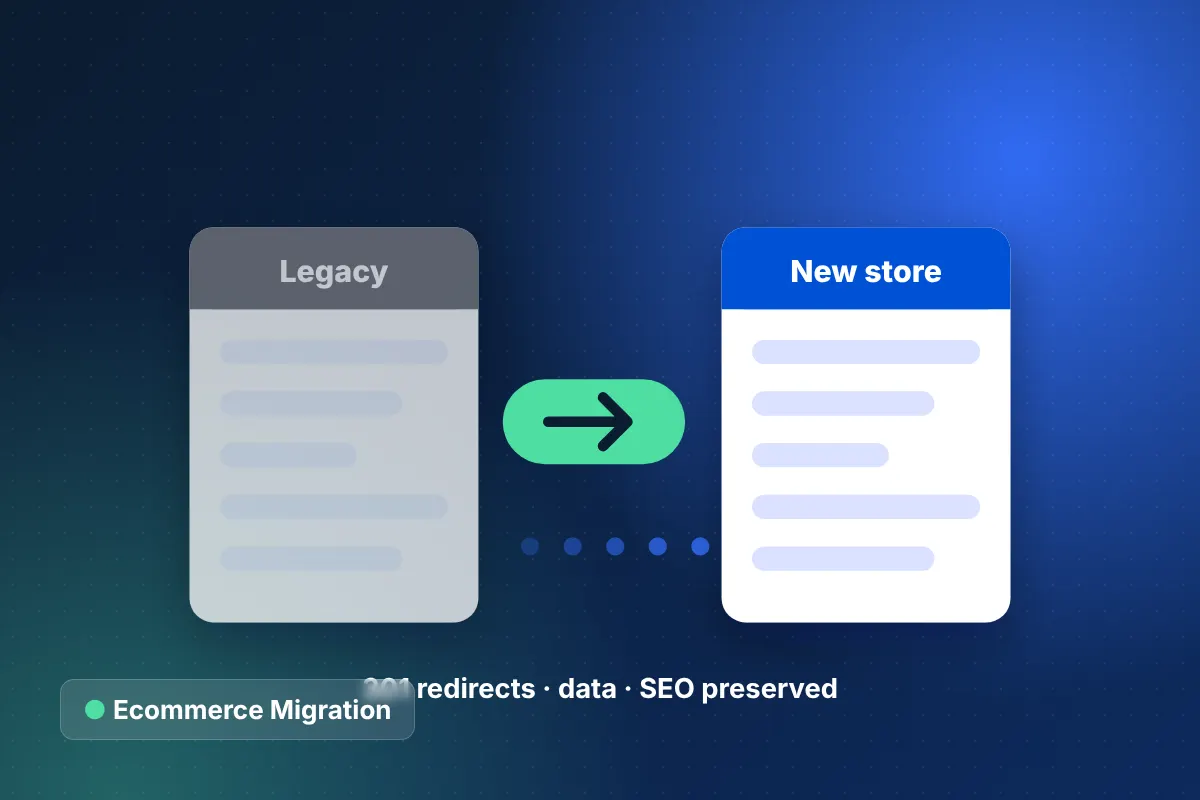
Ecommerce Migration Services for SEO-Safe Replatforming
SEO-safe replatforming to Shopify, BigCommerce, Adobe Commerce or WooCommerce, with full data migration and zero-downtime launch.
Learn more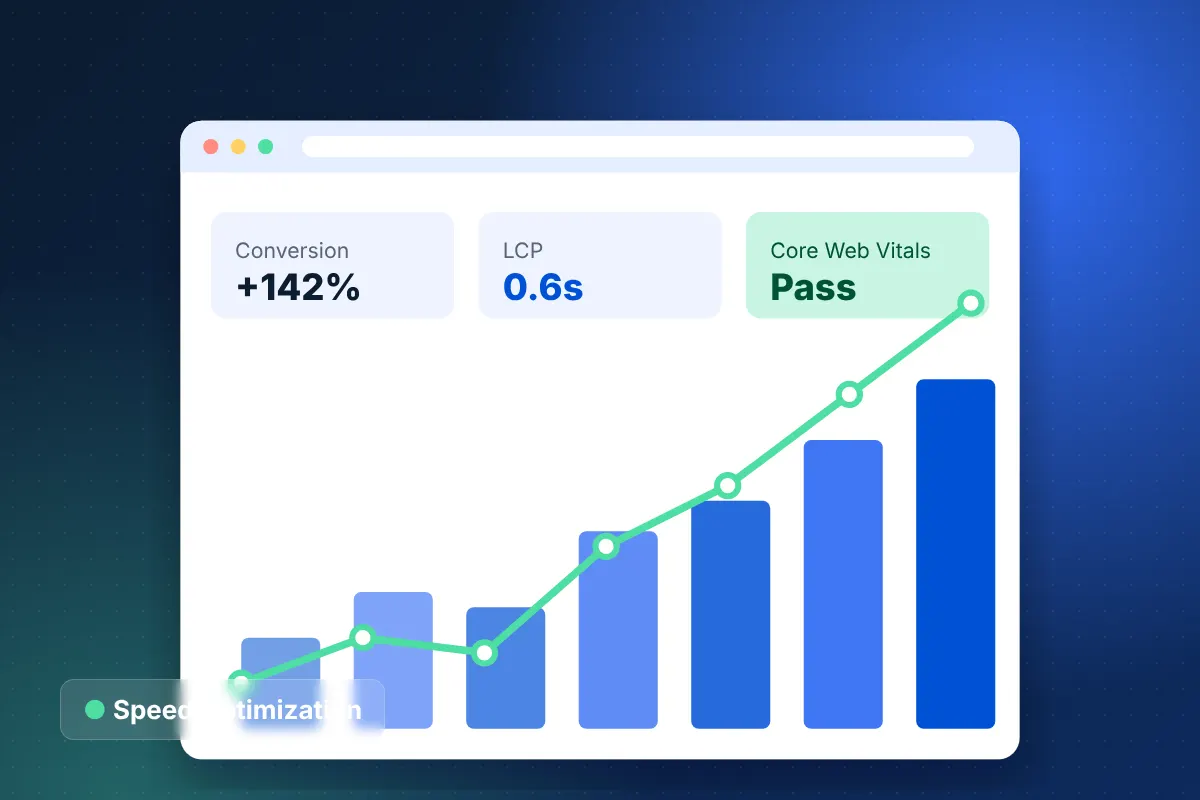
Ecommerce Speed Optimization and Core Web Vitals Services
Pass Core Web Vitals and speed up mobile shopping on Shopify, WooCommerce and Magento with measured, lasting fixes.
Learn more