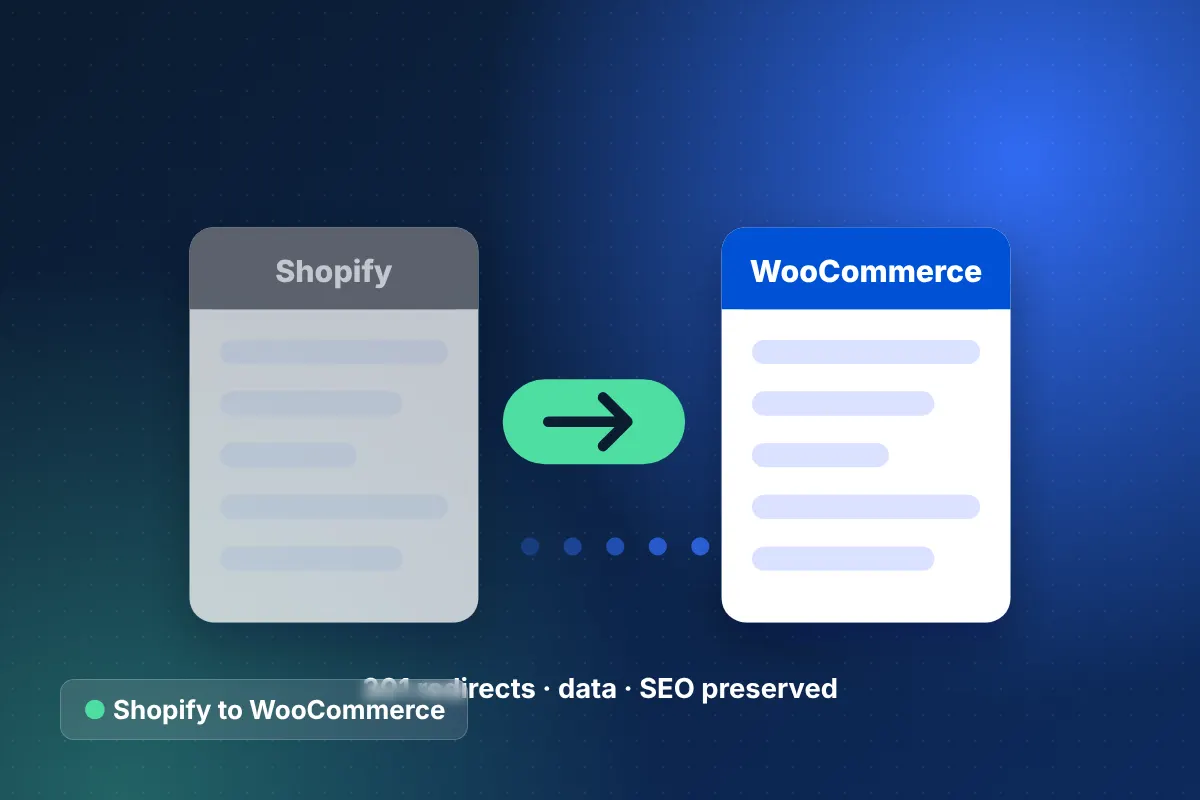
Why move from Shopify to WooCommerce?
Brands choose a Shopify to WooCommerce migration when they want full control of their code, data, hosting and checkout, or when content and SEO matter as much as the store. WooCommerce runs on WordPress, which gives you an open-source platform you can modify without platform restrictions.
Common triggers include content-heavy brands that want WordPress's editorial tools, stores with unusual product or checkout logic that Shopify apps cannot handle cleanly, and businesses that prefer to choose their own payment gateway without Shopify's additional transaction fee for third-party gateways. Some teams simply want to stop paying for many monthly apps when a one-time build would do.
The trade-off is responsibility. With WooCommerce, you own hosting, security, updates and performance. Our Shopify vs WooCommerce guide explains when that trade is worth it, and we will tell you honestly in discovery if staying on Shopify makes more sense.
What data moves in a Shopify to WooCommerce migration?
We migrate products, customers, orders, URLs, reviews and content, mapping Shopify's data into WooCommerce products, attributes and WordPress posts. The table shows typical scope.
| Data | What we migrate | How it maps in WooCommerce |
|---|---|---|
| Products | Products, variants, options, images, SKUs, inventory, metafields, SEO titles and descriptions | Simple or variable products with global attributes; metafields become custom fields |
| Collections | Manual and automated collections | Product categories and tags; automated rules rebuilt where needed |
| Customers | Accounts, addresses, tags, marketing consent | WordPress users with customer role; passwords reset by email because Shopify does not export them |
| Orders | Order history, line items, totals, statuses | WooCommerce orders linked to customers for history and reporting |
| URLs and 301s | /products/, /collections/, /pages/ and /blogs/ URLs | Permalinks configured to mirror Shopify paths where possible, 301s for the rest |
| Reviews | Reviews from your Shopify reviews app | WooCommerce reviews or a reviews plugin, matched by SKU |
Blog articles and pages move into WordPress posts and pages, with images re-hosted on your own server or CDN.
How do we protect SEO in a Shopify to WooCommerce migration?
We protect SEO by mirroring Shopify URL structures wherever WooCommerce allows it and redirecting everything else with 301s. WooCommerce lets us customize product and category bases, so many product URLs can stay identical.
- Crawl the Shopify store and export top URLs from Search Console and analytics.
- Set WooCommerce permalink bases to match /products/ and /collections/ paths where practical.
- Redirect variant, tag-filtered and blog URLs that cannot be mirrored.
- Migrate SEO titles, descriptions and image alt text into your SEO plugin.
- Rebuild structured data, sitemaps and canonical tags, then monitor rankings after launch.
Every step is covered in our ecommerce migration SEO checklist.
Our step-by-step Shopify to WooCommerce migration process
A Shopify to WooCommerce migration follows our six-phase process and usually completes within 8 to 16 weeks, including hosting setup and performance tuning.
- Audit: document Shopify apps, theme features, integrations, data and top URLs.
- Architecture: choose hosting, caching, CDN, backup strategy and the plugin stack.
- Theme build: develop a lightweight custom WooCommerce theme, avoiding bloated page builders.
- Test migration: import products, customers and orders to staging and reconcile counts.
- Feature rebuild: replace each Shopify app with a plugin or custom code.
- Payments and integrations: connect your gateway, shipping, tax, email and ERP.
- Performance and security QA: test Core Web Vitals, load, backups and hardening.
- Cutover and monitoring: final data sync, DNS switch and post-launch SEO tracking.
What are the risks of Shopify to WooCommerce migration, and how do we avoid them?
The main risks are slower performance, security gaps, plugin sprawl and lost rankings. Each one is avoidable with the right architecture.
Performance regression
Shopify's hosting is fast by default; a poorly hosted WooCommerce store is not. We use managed cloud hosting, object caching, a CDN and performance budgets, and test against Core Web Vitals thresholds (LCP at or under 2.5 seconds, INP at or under 200 milliseconds, CLS at or under 0.1) before launch.
Security and maintenance
Self-hosted means you own patching. We harden WordPress, set up automated backups and uptime monitoring, and offer support plans with 24/7 monitoring and a 15-minute critical response.
Plugin sprawl
We keep the plugin list short and well-maintained, writing small custom features where a heavy plugin would add risk.
Checkout and payment changes
Shop Pay does not carry over, so we configure express wallets such as Apple Pay and Google Pay through your gateway and test the full checkout on real devices.
Who should not move from Shopify to WooCommerce?
Stores without access to ongoing development or hosting support usually should not leave Shopify. If your team has no one to manage updates, or your Shopify setup already meets your needs, the extra control may not be worth the operational load.
Brands that do move need a long-term owner for the platform. Our WooCommerce development services and maintenance plans fill that role, so you get WooCommerce's freedom without becoming a hosting company yourself.
How much does a Shopify to WooCommerce migration cost?
Most Shopify to WooCommerce migrations fall between $25,000 and $60,000, with smaller focused moves starting around $15,000. The main drivers are custom theme work, the number of Shopify apps to replace, integrations, catalog size and hosting architecture. We quote fixed-price milestones after discovery through our ecommerce migration services, and our Houston, Texas team supports stores across the US and internationally.
Start your Shopify to WooCommerce migration
A Shopify to WooCommerce migration gives you full ownership when it is planned around hosting, performance and SEO from the start. Book a free 30-minute strategy call to check whether the move fits your business, or get a quick range from the ecommerce website cost calculator.