Shopify vs WooCommerce: Which Ecommerce Platform Fits Your Business?
Shopify vs WooCommerce comes down to control versus convenience. Shopify is a hosted platform that handles infrastructure, security and checkout so your team can focus on selling. WooCommerce is a free, open-source WordPress plugin that gives you full code ownership and flexibility, but you manage hosting, updates and security yourself.
 Custom Ecommerce Website Development
Published
Updated 8 min read
Custom Ecommerce Website Development
Published
Updated 8 min read

Shopify vs WooCommerce is one of the most common platform decisions growing brands face, and both are excellent choices for the right business. Shopify is a hosted, all-in-one commerce platform. WooCommerce is an open-source plugin that turns a WordPress site into a store. The better option depends on your team, your content strategy and how much of the stack you want to own.
We build on both platforms every week, so this comparison focuses on the practical differences that affect budget, operations and growth rather than marketing claims.
What is the main difference between Shopify and WooCommerce?
The main difference is who runs the infrastructure. Shopify hosts, secures and updates the platform for you. With WooCommerce, you choose the hosting and take responsibility for updates, security and performance.
That single difference shapes almost everything else:
- Shopify is software-as-a-service (SaaS). You pay a monthly plan, and Shopify manages servers, PCI compliance, checkout and core updates.
- WooCommerce is free, GPL-licensed software. You pay for hosting, a domain, premium extensions and the developer time to maintain it, and you have full access to the code and database.
It also changes who you call when something goes wrong. With Shopify, platform incidents are handled by Shopify's own engineering team. With WooCommerce, your host and your development partner share that responsibility, so the quality of both matters as much as the software.
Neither model is better in the abstract. A lean team that wants to focus on product and marketing usually prefers Shopify. A content-heavy business that already lives in WordPress, or needs unusual checkout or data logic, often prefers WooCommerce.
Shopify vs WooCommerce: how do the features compare?
Both platforms cover the essentials of selling online. They differ in how features are delivered: Shopify bundles more out of the box and extends through its App Store, while WooCommerce relies on WordPress plugins and custom code.
| Feature | Shopify | WooCommerce |
|---|---|---|
| Hosting | Included, fully managed | Self-managed; choose your own host |
| Software cost | Monthly subscription by plan tier | Core plugin is free; paid extensions optional |
| Security & PCI | Handled by Shopify | Your responsibility (hosting, updates, plugins) |
| Checkout | Fast, conversion-optimized, Shop Pay; deeper customization on Shopify Plus | Fully customizable in code |
| Payments | Shopify Payments plus many gateways; extra fee when using a third-party gateway | WooPayments, Stripe, PayPal and many others; no platform transaction fee |
| Content & blogging | Capable blog and pages | Full WordPress CMS, best-in-class for content |
| Extensions | Shopify App Store | WordPress and WooCommerce plugin ecosystem |
| Themes | Online Store 2.0 themes built with Liquid | Thousands of WordPress themes, block editor |
| Code ownership | Theme and app code; core platform is closed | Full access to all code and data |
| Scaling | Platform scales automatically | Scales with hosting and engineering effort |
Which is cheaper, Shopify or WooCommerce?
WooCommerce has no license fee, but it is not automatically cheaper. Once you add hosting, premium extensions, security and maintenance, total cost of ownership is often comparable to Shopify, and sometimes higher for busy stores.
When you compare Shopify vs WooCommerce cost, list every recurring item:
- Shopify: plan subscription, paid apps, payment processing, and an extra transaction fee if you use a gateway other than Shopify Payments.
- WooCommerce: managed hosting, CDN, backups, premium extensions, payment processing and ongoing developer time for updates and compatibility testing.
Build costs are a separate question. Our agency projects on either platform follow the same price bands, starting around $15,000 for focused builds and $25,000–$60,000 for specialized custom stores. For a detailed breakdown, read how much does an ecommerce website cost, or plug your requirements into the ecommerce website cost calculator.
Is Shopify or WooCommerce easier to manage day to day?
Shopify is easier for most non-technical teams. The admin is consistent, updates happen automatically and there is no server to watch. WooCommerce is approachable for teams already comfortable in WordPress, but it needs regular plugin and core updates.
The real operational question is who handles problems at 2 a.m. on Black Friday. On Shopify, platform uptime is Shopify's job. On WooCommerce, it depends on your host and your support partner. If you go the WooCommerce route, budget for ecommerce website maintenance services with proper monitoring, staging environments and update testing.
What about performance and speed?
Both platforms can pass Google's Core Web Vitals thresholds (LCP ≤ 2.5s, INP ≤ 200ms, CLS ≤ 0.1). Shopify provides a global CDN by default, while WooCommerce speed depends on hosting, caching and how many plugins you install. Poorly chosen apps slow down either one, which is why ecommerce speed optimization is often the highest-return work after launch.
How customizable is each platform?
WooCommerce is more customizable at the code level because you can modify any part of the application, database and checkout. Shopify is customizable within defined boundaries: Liquid themes, theme app extensions, the Admin and Storefront APIs, and Shopify Functions for custom pricing, shipping and payment logic.
In practice, Shopify's boundaries are a feature for many brands. They keep stores upgradeable and stable, and they stop one-off hacks from breaking checkout. WooCommerce's openness is powerful, but every custom change becomes something your team must test against future WordPress, WooCommerce and plugin updates.
- Product configurators and bundles: possible on both; WooCommerce allows deeper server-side logic, Shopify typically uses apps or custom app development.
- Bookings, rentals and memberships: WooCommerce has mature extensions; Shopify relies on third-party apps.
- Headless storefronts: both expose APIs, though Shopify's Storefront API and Hydrogen framework make headless builds more common on Shopify.
Which platform handles B2B and integrations better?
Both can support wholesale selling, but they get there differently. Shopify offers native B2B features on Shopify Plus, including company accounts, price lists and payment terms. WooCommerce reaches similar functionality through extensions and custom development.
For ERP, inventory and accounting connections, both platforms have well-documented APIs and established connectors. The difference is where the integration runs: on Shopify it usually lives in an app or middleware, while on WooCommerce it can also run inside your own server. Either way, plan data ownership and sync frequency early, because integration scope moves budgets more than platform choice does.
Shopify vs WooCommerce for SEO: which ranks better?
Neither platform ranks better on its own. Rankings come from content, site architecture, speed and links. WooCommerce gives you more technical control, while Shopify gives you solid defaults with a few structural constraints.
Pick the platform your team can run well every day, not the one with the longest feature list.
Custom Ecommerce architecture team
WooCommerce inherits WordPress's content strengths and full control over URLs, schema and server configuration. Shopify handles canonical tags, sitemaps and SSL automatically, but uses fixed URL prefixes such as /products/ and /collections/. Both can be optimized well with the right ecommerce SEO services. If content marketing is central to your strategy, WooCommerce's native WordPress editor is a genuine advantage.
Shopify or WooCommerce: who should choose which?
Use the profiles below as a starting point. Most businesses clearly match one column once they are honest about their team's skills and how much of the stack they want to manage.
Who should choose Shopify?
Choose Shopify if you want to launch quickly, keep operations simple and invest your budget in growth rather than infrastructure. It suits most DTC brands and many scaling B2C businesses.
- DTC brands that want a fast, reliable checkout and Shop Pay.
- Teams without in-house developers or DevOps.
- Businesses selling across social, marketplaces and point of sale from one admin.
- Brands expecting rapid growth that may later move to Shopify Plus.
Our Shopify development services cover custom themes, app integrations and data migration. As volume grows, see our guide to Shopify vs Shopify Plus.
Who should choose WooCommerce?
Choose WooCommerce if you need full control of code and data, already run a strong WordPress site, or have requirements that a hosted checkout cannot handle.
- Content-led brands where blogging, guides and SEO drive most traffic.
- Businesses with unusual product logic, bookings or custom checkout flows.
- Teams with developer resources or a long-term support partner.
- Companies that prefer to own their entire stack and avoid platform lock-in.
Our WooCommerce development services include managed hosting setup, custom plugin development and performance tuning, and our WordPress website development services cover the content side of the site.
Can you switch from WooCommerce to Shopify later?
Yes. Migrating in either direction is common and manageable with a proper plan for data, design and redirects. The key risk is SEO, not the data itself.
A migration moves products, customers, orders, reviews and content, then maps every old URL to its new location with 301 redirects. Businesses often move to Shopify when maintenance overhead grows, which is why WooCommerce to Shopify migration is one of our most requested projects. The reverse, Shopify to WooCommerce migration, makes sense when a brand needs deeper control or wants to consolidate on WordPress.
Before you decide, answer these questions with your team:
- Who will apply updates, monitor uptime and respond to security issues?
- How important is long-form content to your acquisition strategy?
- Do you need checkout logic that a hosted checkout cannot support?
- Which systems (ERP, inventory, CRM) must the store connect to on day one?
Get expert help choosing between Shopify and WooCommerce
The Shopify vs WooCommerce decision is easier with your real requirements on the table: catalog, integrations, content strategy and internal skills. Book a free 30-minute strategy call and we will recommend a platform, outline a fixed-price milestone plan and send a free project estimate. You own 100% of the code we write, whichever platform you choose.
Frequently asked questions
Is WooCommerce really free?
Is Shopify better than WooCommerce for beginners?
Does Shopify charge transaction fees that WooCommerce doesn't?
Can WooCommerce handle a large store?
Will I lose SEO rankings if I move from WooCommerce to Shopify?
About the author
Custom Ecommerce Website Development is the editorial team at Custom Ecommerce Website Development, a Houston ecommerce development agency with 350+ enterprise projects across Shopify, WooCommerce, Magento, BigCommerce and headless commerce.
Services related to this article
WooCommerce to Shopify Migration for Growing Online Stores
Move from WooCommerce and WordPress to Shopify with products, customers, orders, reviews, blog content and every URL redirected.
Learn more
Shopify to WooCommerce Migration for Full Ownership and Control
Move from Shopify to WooCommerce with full data migration, mirrored URLs, secure hosting and a fast custom theme.
Learn more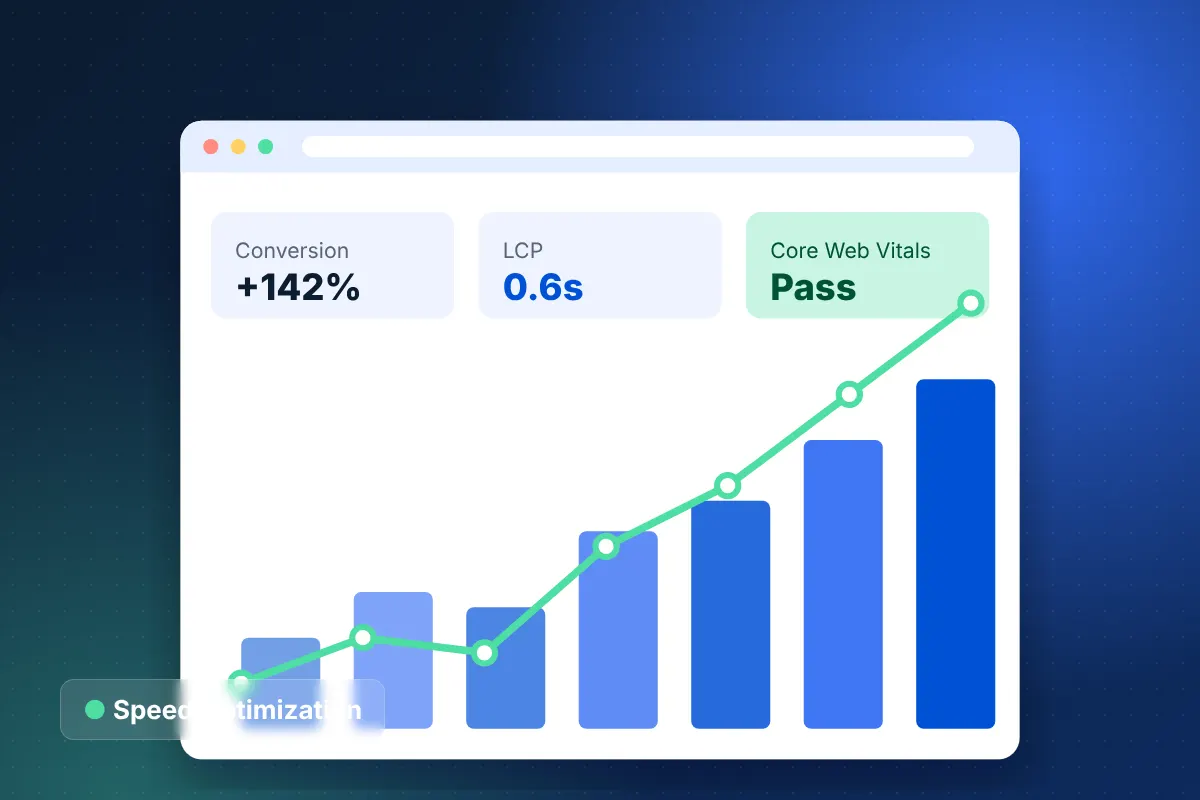
Ecommerce Speed Optimization and Core Web Vitals Services
Pass Core Web Vitals and speed up mobile shopping on Shopify, WooCommerce and Magento with measured, lasting fixes.
Learn more