Shopify vs Shopify Plus: When Is It Time to Upgrade?
Shopify vs Shopify Plus is a question of scale and complexity. Standard Shopify plans suit most growing stores, while Shopify Plus is the enterprise tier, adding deeper checkout customization, native B2B, multiple expansion stores, advanced automation and higher API capacity. Upgrade when volume, operations or customization needs outgrow the Advanced plan.
 Custom Ecommerce Website Development
Published
Updated 8 min read
Custom Ecommerce Website Development
Published
Updated 8 min read

Shopify vs Shopify Plus is a question most successful Shopify brands eventually ask. The core platform is the same: the same admin, the same reliable hosting and the same app ecosystem. Shopify Plus is the enterprise tier, and it adds capabilities that matter once a business reaches a certain level of volume, complexity or team size.
This guide explains what actually changes when you upgrade, what Plus costs in broad terms, and the practical signs that tell you it is time to move. As a Shopify Plus Certified Partner, we have helped brands at both stages and know where the upgrade pays off and where it does not.
What is the difference between Shopify and Shopify Plus?
Shopify's standard plans, from Basic through Advanced, are built for small and mid-sized businesses. Shopify Plus is a custom-quoted enterprise plan with extra control over checkout, B2B selling, multiple stores, automation and support.
Everything you rely on today carries over: themes, apps, products, customers and orders. The upgrade happens on your existing store, so it is not a migration. What changes is the ceiling on what you can customize and how efficiently you can operate at scale.
It is also worth clearing up a common misconception: Shopify Plus does not make your storefront faster by itself. Both tiers run on the same hosted infrastructure and CDN. Page speed still depends on your theme, apps and scripts, which is why a performance review belongs in any upgrade plan. A lean, well-built theme on Advanced will outperform an app-heavy theme on Plus every time.
Shopify vs Shopify Plus: how do the features compare?
The biggest differences are in checkout customization, B2B, multi-store management, automation and staff access. The table below summarizes them at a high level; always confirm current plan details with Shopify, because features evolve.
| Capability | Standard Shopify (Basic–Advanced) | Shopify Plus |
|---|---|---|
| Pricing | Published monthly plans | Custom-quoted; starts at a few thousand dollars per month |
| Checkout customization | Branding and limited customization | Deeper checkout customization with checkout extensibility and Shopify Functions |
| B2B selling | Through third-party apps | Native B2B: company accounts, price lists, payment terms |
| Multiple stores | Each store needs its own plan | Expansion stores included for regions or brands |
| Automation | Shopify Flow available | Flow plus Launchpad for scheduling sales, launches and theme changes |
| Staff accounts | Limited by plan | Expanded staff access and organization-level admin |
| API capacity | Standard rate limits | Higher rate limits for integrations and high-volume operations |
| Support | Standard Shopify support | Priority support for Plus merchants |
How much does Shopify Plus cost?
Shopify Plus does not have a fixed public list price. It is a custom-quoted plan that starts at a few thousand dollars per month, and for high-volume merchants the fee typically scales with sales. Check Shopify's current pricing page and talk to their sales team for an exact figure.
When you model Shopify vs Shopify Plus costs, look beyond the subscription:
- Payment processing: Plus merchants can negotiate rates, which matters at high volume.
- Apps you can retire: native B2B, Launchpad and expansion stores can replace paid apps or separate store subscriptions.
- Staff time saved: automation and organization-level management reduce manual work across stores.
- Development work: checkout extensions, Functions and B2B setup need specialist build time.
Implementation is a separate budget. Our agency projects fall into the same bands as any other build: specialized custom stores typically run $25,000–$60,000, and complex headless or multi-region builds run $60,000–$150,000+. Our guide to how much an ecommerce website costs explains the drivers, and the ecommerce website cost calculator gives you a quick range.
When should you upgrade from Shopify to Shopify Plus?
Upgrade when the limits of standard Shopify start costing you revenue or staff hours. Sales volume is a signal, but operational complexity is usually the deciding factor.
Upgrade to Plus when a limit is costing you revenue or team time every month, not because your store feels big.
Custom Ecommerce architecture team
Common signs it is time to upgrade:
- You need checkout changes that standard plans do not allow, such as custom fields, upsells, delivery rules or payment logic in the checkout itself.
- You sell wholesale and are juggling B2B apps, duplicate stores or manual invoicing.
- You run several stores for regions, currencies or brands and want them managed under one organization.
- Your team has grown and you need more staff accounts and clearer permissions.
- Integrations hit API limits during peak syncs with ERP, OMS or 3PL systems.
- Flash sales and launches require coordinated, scheduled changes across products, prices and themes.
If none of these apply, the Advanced plan is usually enough. Upgrading early only to "look enterprise" rarely pays back.
How does automation change on Shopify Plus?
Shopify Flow is now available beyond Plus, but Plus pairs it with Launchpad and organization-level tools that matter for busy teams. Launchpad lets you schedule product releases, price changes and theme switches for a sale, then roll them back automatically when it ends. For brands that run frequent drops or seasonal campaigns, that alone can remove late-night manual work and the errors that come with it.
Is Shopify Advanced enough for a fast-growing brand?
Often, yes. Advanced includes stronger reporting and capabilities that serve many brands well into substantial revenue. The question is not how big you are but whether you need Plus-only features. A single-market DTC brand with a standard checkout can scale for a long time on Advanced.
What do you gain with Shopify Plus checkout, B2B and expansion stores?
Checkout, B2B and multi-store management are the features that most often justify the upgrade. Plus gives you more control over the highest-converting page on your store and lets wholesale and DTC run from one platform.
Checkout extensibility
On Plus, developers can add checkout UI extensions and use Shopify Functions to customize delivery options, payment methods and pricing logic, all while staying on Shopify's secure, upgrade-safe checkout. This replaced the older checkout.liquid approach, so new builds should use extensibility from day one. Our Shopify app development team builds custom Functions and extensions when apps do not fit.
Native B2B
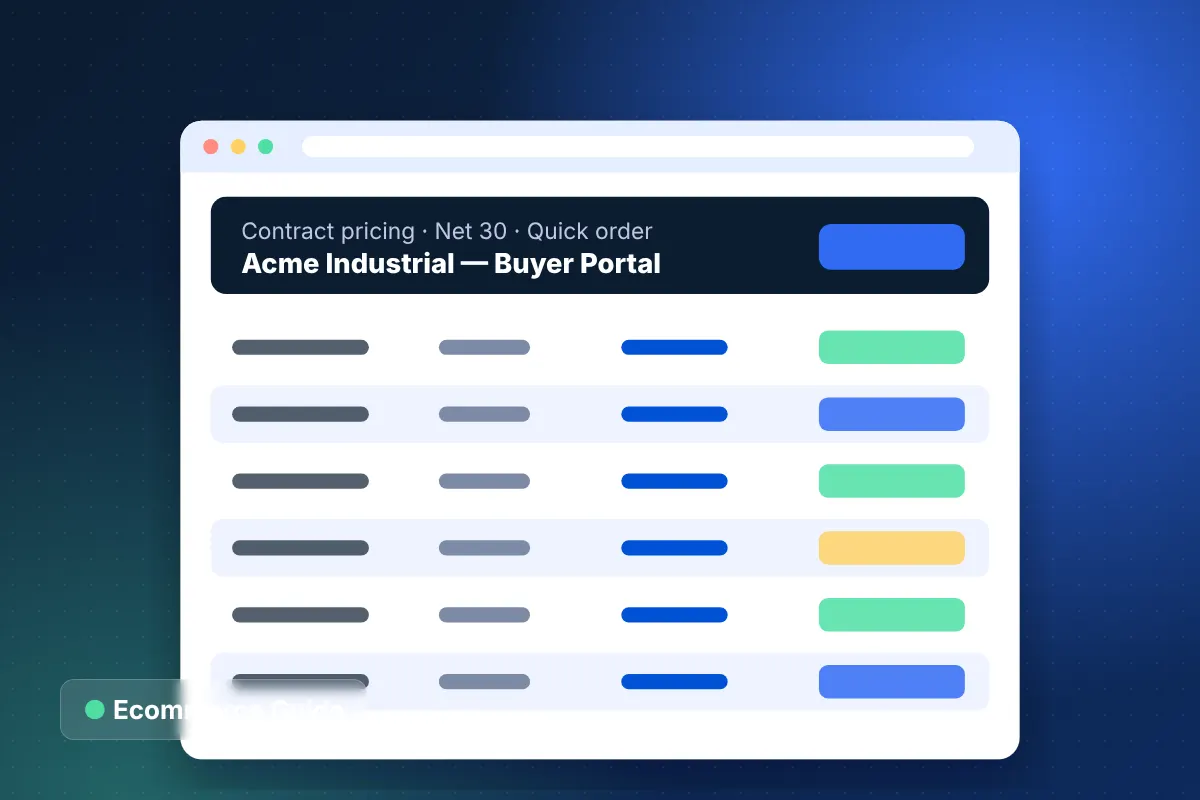
Shopify Plus includes B2B features such as company profiles with multiple buyers and locations, customer-specific price lists, quantity rules and net payment terms. For many wholesalers this replaces a separate B2B store. More complex needs, such as punchout or deep ERP pricing, may still call for B2B ecommerce development on top of Plus.
Multiple stores and international selling
Yes. Shopify Plus includes expansion stores that you can use for regions, brands or a separate wholesale storefront, all managed within one organization. Standard plans can also sell internationally through Shopify Markets from a single store.
The choice between one store with Markets and several expansion stores depends on how different each market is. If catalogs, content and fulfillment differ significantly by region, separate stores give teams more independence. If they are mostly the same, a single store with localized pricing and languages is simpler to manage. For brands needing fully custom front ends across regions, headless commerce development with Shopify's Storefront API is another option.
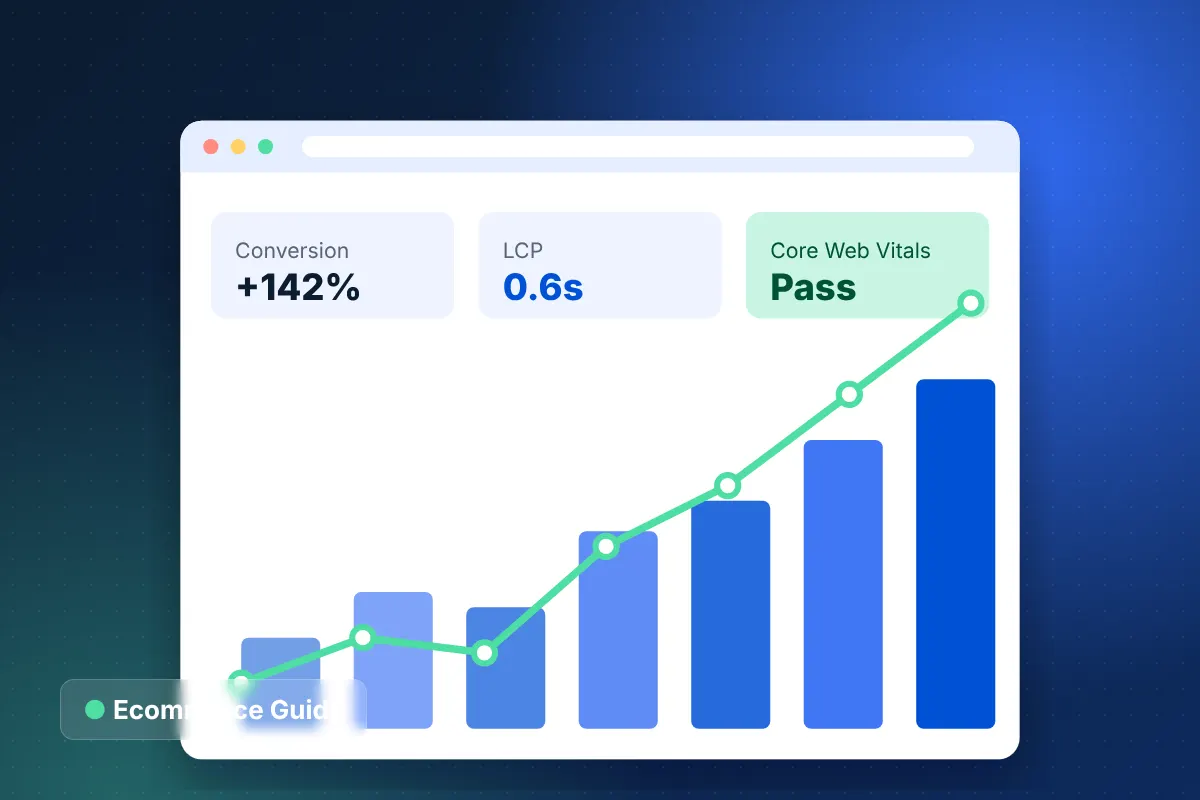
One of our clients, a luxury apparel brand, unified eight regional stores when moving from a Magento monolith to headless Next.js on Shopify Plus, achieving +142% mobile conversion rate and a 0.6s average page load. If you are weighing Plus against an enterprise alternative, read our Magento vs Shopify Plus comparison.
How do you upgrade to Shopify Plus?
Upgrading is a plan change on your existing store, so products, customers and orders stay in place. The real work is planning which Plus features to adopt and implementing them correctly.
- Audit current apps and identify which can be replaced by Plus features.
- Prioritize checkout extensions, B2B setup or expansion stores by revenue impact.
- Review integrations and API usage against new rate limits.
- Set up organization-level permissions and staff roles.
- Plan theme updates and Launchpad workflows for upcoming campaigns.
A Shopify Plus development agency can run this as a phased roadmap so you see value in the first weeks rather than months later. If you are coming from another platform entirely, our Magento to Shopify migration service handles data, redirects and SEO protection.
Shopify vs Shopify Plus: which should you choose?
Stay on standard Shopify if your store runs well, your checkout meets your needs and you sell mainly in one market. Move to Shopify Plus when checkout control, native B2B, multiple stores or higher API capacity would clearly save time or grow revenue.
What are the downsides of Shopify Plus?
The main downside is cost: the subscription is a significant fixed expense, and Plus features only create value if you implement them. A Plus store running the same theme and apps as before is simply a more expensive Shopify store.
- Checkout extensions, Functions and B2B configuration require specialist development.
- Plus is still a hosted platform, so core behavior is governed by Shopify's APIs and roadmap rather than your own code.
- Highly bespoke back-office logic may still belong in middleware or an ERP rather than the store.
For most brands, the right call becomes obvious after listing current pain points and the apps or workarounds used to patch them. Our Shopify development services support both paths, so the recommendation follows your requirements rather than a plan tier.
Get a free Shopify Plus upgrade assessment
Not sure where you land on Shopify vs Shopify Plus? Book a free 30-minute strategy call and we will review your store, apps and integrations, then send a free project estimate with fixed-price milestones. We reply within 24 hours, and you own 100% of the code we build.
Frequently asked questions
Is Shopify Plus worth it for a small business?
Do I need to migrate my store to move to Shopify Plus?
Can I customize checkout on standard Shopify plans?
Does Shopify Plus include B2B wholesale features?
How long does it take to implement Shopify Plus features?
About the author
Custom Ecommerce Website Development is the editorial team at Custom Ecommerce Website Development, a Houston ecommerce development agency with 350+ enterprise projects across Shopify, WooCommerce, Magento, BigCommerce and headless commerce.
Services related to this article
Fashion Ecommerce Website Development for Apparel Brands
Apparel stores with fit tools, shoppable lookbooks, drop-ready checkout and returns that turn into exchanges.
Learn more
Beauty Ecommerce Website Development for Skincare and Cosmetics Brands
Cosmetics and skincare stores with shade finders, regimen bundles, flexible subscriptions and reviews by skin type.
Learn more
Jewelry Ecommerce Website Development for Fine and Luxury Brands
Fine jewelry and luxury stores with ring builders, certified diamond search, virtual appointments and insured shipping.
Learn more