Why move from BigCommerce to Shopify?
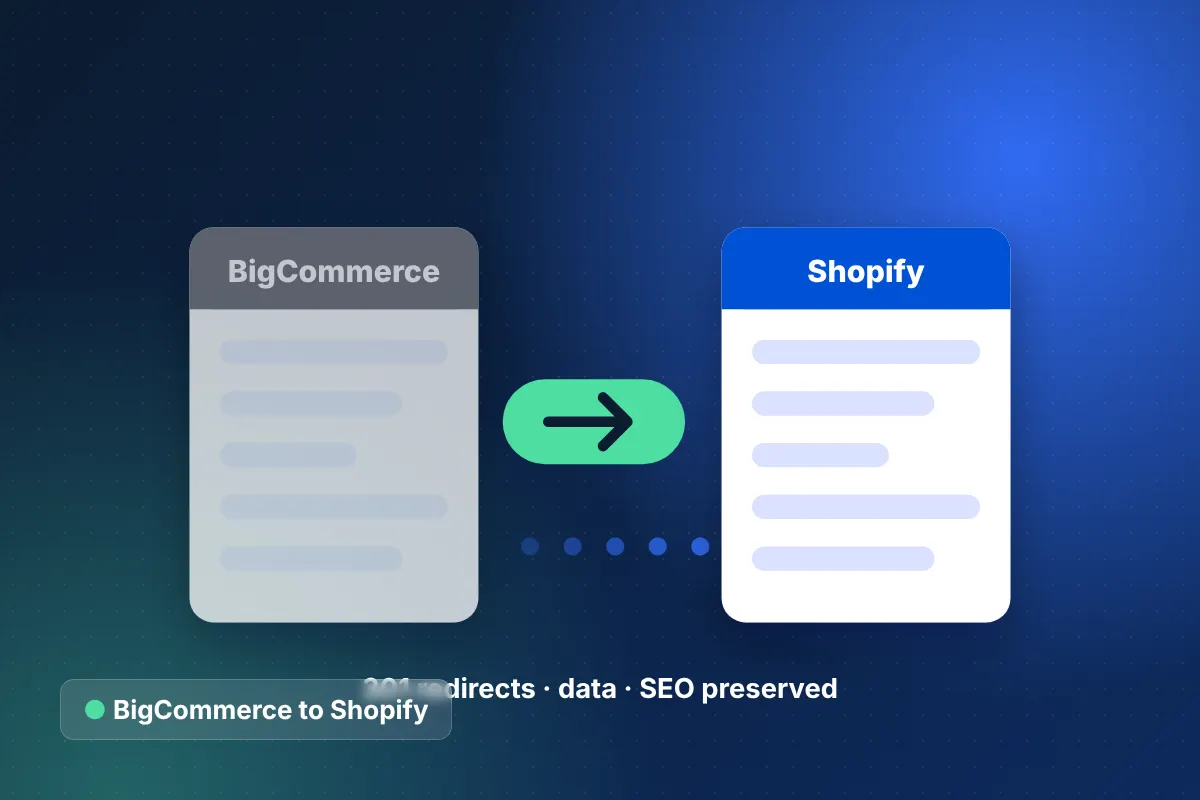
Brands choose a BigCommerce to Shopify migration mainly for Shopify's larger app ecosystem, Shop Pay's fast checkout and a theme editor marketing teams can use without developers. Both are hosted SaaS platforms, so the move changes how you sell more than how you host.
BigCommerce has strong native features, especially for catalogs with many product options and for B2B. That is why we never recommend this move by default. The deciding factors are usually your apps, your checkout and where your team spends its time. Our BigCommerce vs Shopify comparison walks through the trade-offs.
Once the decision is made, the work is about translating data models carefully. BigCommerce and Shopify structure options, customer groups and URLs differently, and those differences decide whether the migration is smooth or painful.
What data moves in a BigCommerce to Shopify migration?
We migrate products, customers, orders, URLs, reviews and content, translating BigCommerce option sets and modifiers into Shopify's variant model. The table summarizes scope and mapping.
| Data | What we migrate | How it maps in Shopify |
|---|---|---|
| Products | Products, variant options, modifiers, custom fields, images, SKUs, inventory, SEO fields | Variants for stock-tracked options; modifiers via line item properties or apps; custom fields as metafields |
| Customers | Accounts, addresses, customer groups, consent | Customers with tags, or Shopify Plus B2B companies for wholesale groups; passwords reset by activation email |
| Orders | Order history, line items, statuses, totals | Archived historical orders linked to customer records |
| URLs and 301s | Product, category, brand, page and blog URLs | Redirects to Shopify /products/, /collections/, /pages/ and /blogs/ paths |
| Reviews | Native BigCommerce product reviews or app reviews | Imported into a Shopify reviews app with ratings and dates |
| Content | Web pages, blog posts, brand pages, gift certificates where possible | Pages, blog articles, brand collections and gift cards |
BigCommerce brand pages typically become brand collections in Shopify, and price lists for customer groups move to Shopify Plus B2B catalogs where wholesale pricing is needed.
How do we preserve SEO when migrating BigCommerce to Shopify?
We preserve SEO with a full URL inventory, one-to-one 301 redirects and complete metadata migration. BigCommerce often uses short root-level URLs, while Shopify requires prefixes, so almost every product and category URL changes.
- Export every product, category, brand and content URL, plus top pages from Search Console.
- Create a redirect for each URL that is indexed or has backlinks, avoiding redirect chains.
- Migrate page titles, meta descriptions, category descriptions and image alt text.
- Rebuild faceted navigation so filtered pages do not create crawl bloat.
- Submit updated sitemaps and track rankings and 404s after launch.
The complete routine is in our ecommerce migration SEO checklist.
Our step-by-step BigCommerce to Shopify migration process
A BigCommerce to Shopify migration follows our six-phase method and typically completes within 8 to 16 weeks.
- Audit: review catalog structure, option sets, modifiers, apps, integrations and SEO.
- Data model design: decide how each option, modifier and custom field maps to Shopify.
- Theme build: recreate or redesign the Stencil storefront as a Shopify Online Store 2.0 theme.
- Test migration: import everything to a development store and reconcile counts and prices.
- App and integration setup: connect ERP, shipping, reviews, email and payments.
- SEO and checkout QA: test redirects, metadata, tax, shipping and discounts.
- Delta sync and go-live: move final orders and customers, then switch DNS.
- Monitoring: watch rankings, 404s, conversion and customer reactivations.
What are the risks of BigCommerce to Shopify migration, and how do we avoid them?
The main risks are option complexity, lost B2B pricing, broken URLs and missing native features. We plan for each one before migrating data.
Complex options and modifiers
BigCommerce products can combine many options and text modifiers. We split them into stock-tracked variants and non-stock properties, and restructure products that exceed Shopify's variant limits.
Customer group pricing
Wholesale or group pricing is rebuilt with Shopify Plus B2B catalogs or a pricing app, then tested with real customer accounts before launch.
Features you took for granted
Some BigCommerce built-ins, such as certain product option behaviors or native reviews, need an app on Shopify. We list every feature in use so nothing is missing on launch day.
SEO dips
Prevented with complete redirects, metadata migration and daily post-launch monitoring. Rankings commonly fluctuate for a short period while search engines re-crawl, so we compare traffic by page type each week and act quickly on anything that does not recover.
Integration gaps
ERP, inventory and shipping connections built for BigCommerce need reconfiguring or rebuilding for Shopify. We test every integration end to end with real orders on the development store before switching DNS.
What should you prepare before migrating BigCommerce to Shopify?
Preparation starts with access, priorities and timing. The clearer these are at kickoff, the faster discovery moves and the fewer surprises appear in the test migration.
- Store owner or API access to BigCommerce, plus access to Google Search Console and analytics.
- A list of the apps you rely on daily and the ones you would happily drop.
- Any wholesale price lists, customer group rules and tax exemptions in use.
- Integration details for ERP, inventory, shipping and marketing platforms.
- Peak trading dates, so the cutover lands in a quiet period.
It also helps to decide early whether the move is a like-for-like replatform or a redesign. A like-for-like move is faster and isolates SEO risk; a redesign delivers more improvement but adds design and content work. Many brands migrate first and optimize the new Shopify storefront in a second phase.
How much does a BigCommerce to Shopify migration cost?
Most BigCommerce to Shopify migrations fall in the $25,000 to $60,000 band, with smaller focused moves starting around $15,000 and multi-store Shopify Plus projects reaching $60,000 to $150,000+. Our custom Shopify theme development team handles the storefront, and the wider ecommerce migration services team owns data and SEO. From Houston, Texas we work with brands across the US and internationally.
Start your BigCommerce to Shopify migration
A BigCommerce to Shopify migration succeeds when the data model is planned before anything moves. Book a free 30-minute strategy call to review your catalog and apps, or get a quick range from the ecommerce website cost calculator.