Why move from Magento to BigCommerce?
Brands choose a Magento to BigCommerce migration to stop paying for servers, security patches and extension upgrades while keeping an open, API-first platform. BigCommerce is SaaS, so hosting, PCI compliance for checkout and core updates are included.
Magento gives you deep control, but that control has a running cost. Every PHP upgrade, extension conflict and security release pulls developers away from revenue work. BigCommerce keeps much of the flexibility Magento merchants value, including native B2B features, multi-storefront and an open checkout SDK, without the infrastructure burden.
It is not the right move for everyone. Merchants with heavy custom pricing engines or very unusual checkout logic should validate fit first. Our BigCommerce vs Shopify comparison helps if you are still choosing between the two SaaS options.
What data moves in a Magento to BigCommerce migration?
We migrate products, customers, orders, URLs, reviews, content and B2B structures, translating Magento's data model into BigCommerce's. The scope table shows how each data type lands.
| Data | What we migrate | How it maps in BigCommerce |
|---|---|---|
| Products | Simple, configurable, bundle and grouped products, attributes, images, inventory, SEO fields | Products with variant options and modifiers; custom attributes become custom fields or metafields |
| Categories | Category tree, descriptions, sort order, layered navigation attributes | Categories plus product filtering facets |
| Customers | Accounts, addresses, customer groups, newsletter consent | Customers and customer groups; passwords cannot transfer, so we run a reset campaign |
| B2B data | Company accounts, tier and group pricing, quotes | B2B Edition companies, price lists and buyer roles |
| Orders | Historical orders, line items, totals, statuses | Imported orders linked to customer accounts |
| URLs and content | Product, category, CMS and blog URLs, existing rewrites, reviews | 301 redirects, web pages, blog posts and native or app-based reviews |
Before any import, we clean the source. That means merging duplicate attributes, fixing orphaned images, normalizing SKUs and archiving products that no longer sell or earn traffic. Clean data migrates faster and reconciles with fewer surprises.
Magento store views can become BigCommerce multi-storefront channels when regions or brands need their own catalog, pricing or design.
What happens to Magento extensions and custom modules?
Every extension is reviewed and placed in one of three buckets: native, app or custom. Many Magento add-ons, such as faceted search, multi-currency, customer group pricing and basic quoting, are native features in BigCommerce and simply disappear from the stack.
Others are replaced with vetted marketplace apps for reviews, subscriptions, search or shipping. The remaining business-critical logic, like custom freight rules or ERP-driven pricing, is rebuilt as a lightweight app using BigCommerce APIs and webhooks. The result is fewer moving parts to patch and a cleaner upgrade path than Magento ever offered.
How do we protect SEO during a Magento to BigCommerce migration?
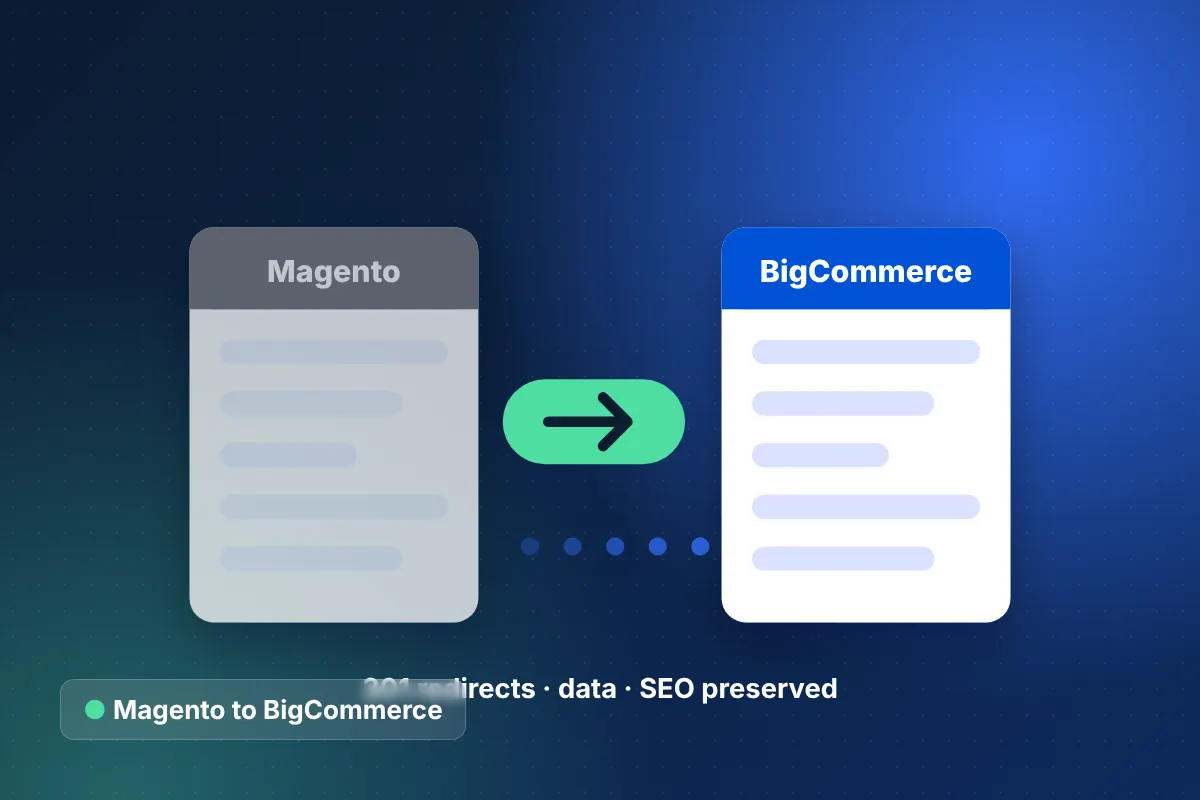
We protect rankings by redirecting every indexed URL to its closest match and carrying over metadata, structured data and internal links. Search visibility is planned from day one, not patched after launch.
- Crawl and export: crawl the live store and pull Search Console and analytics data to rank URLs by traffic and backlinks.
- Redirect map: map product, category, CMS and blog URLs one-to-one, preserving Magento's .html slugs where BigCommerce allows custom URLs.
- Metadata transfer: move titles, meta descriptions, alt text and canonical logic intact.
- Structured data: rebuild Product, Breadcrumb and Organization schema in the new theme.
- Staging validation: test every redirect against the crawl list before DNS changes.
- Post-launch watch: monitor 404s, coverage and rankings daily for the first weeks.
Our ecommerce migration SEO checklist covers each of these steps in more depth.
Our step-by-step Magento to BigCommerce migration process
Our Magento to BigCommerce migration follows a fixed sequence so data, design and integrations are proven before launch. Most projects take 8–16 weeks depending on catalog size and integrations.
- Audit: inventory data, extensions, custom modules, integrations and top-performing URLs.
- Platform design: plan catalog structure, price lists, storefronts and app replacements for each extension.
- Test migration: run a full sample import and reconcile counts, prices and variants.
- Theme build: build a fast Stencil theme or a headless storefront with Catalyst or Next.js.
- Integrations: reconnect ERP, shipping, tax, payments and marketing tools through BigCommerce APIs.
- QA and UAT: test checkout, B2B pricing, redirects and accessibility with your team.
- Delta migration and launch: sync new orders and customers, switch DNS, and monitor closely.
Our BigCommerce development services team handles the build, and as a BigCommerce Elite Partner we work directly with the platform's B2B Edition tooling.
Magento to BigCommerce migration risks and how we manage them
The main risks are lost data relationships, broken redirects and missing custom functionality. Each one has a specific control in our plan.
- Variant limits and option logic: complex configurable products are modeled and tested in the test migration.
- Custom modules: each one is rebuilt as an app, script or API service, or retired if unused.
- Password resets: a branded activation campaign keeps returning customers from churning.
- Integration gaps: ERP and OMS feeds run in parallel before cutover.
- Launch timing: cutover is scheduled outside peak season with a rollback plan.
We applied the same discipline when we moved a luxury apparel brand off a Magento monolith, unifying 8 regional stores. See the Magento replatforming case study for how the cutover was managed.
How much does a Magento to BigCommerce migration cost?
Cost depends on catalog size, B2B complexity, integrations and whether you choose a theme or headless front end. Most specialized migrations fall within our $25,000–$60,000 band, while multi-storefront or headless B2B projects run $60,000–$150,000+.
Smaller, clean catalogs on a theme can start around $15,000. Every project is fixed-price by milestone, and you own 100% of the code. Explore our full ecommerce migration services to compare options.
Start your Magento to BigCommerce migration
If Magento maintenance is eating your roadmap, a structured move can give that time back. Use the ecommerce website cost calculator for a first budget range, then book a free 30-minute strategy call with our Houston team. We will review your store and send a free Magento to BigCommerce migration estimate within 24 hours.