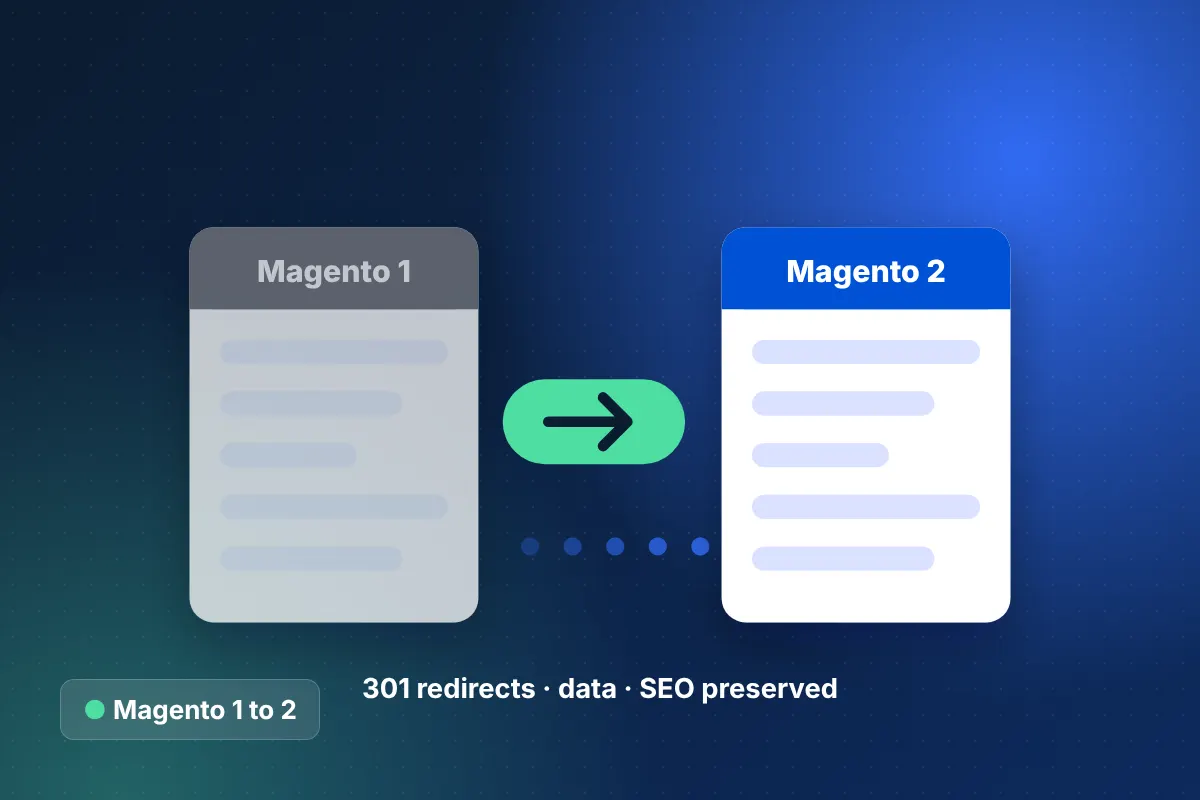
Why is a Magento 1 to Magento 2 migration urgent?
A Magento 1 to Magento 2 migration is urgent because Magento 1 reached end of life in June 2020 and no longer receives official security patches. Every month on Magento 1 increases the risk of a breach, payment compliance problems and incompatibility with modern PHP versions and hosting.
Many Magento 1 stores still run because they work and the business depends on them. That is exactly why the move needs careful planning. The goal is a store that keeps everything your customers and team rely on while gaining a supported, faster and more secure platform.
This is also the moment to ask whether Magento 2 is the right destination at all. Some brands are better served by Shopify Plus or BigCommerce. Our Magento vs Shopify Plus guide helps frame that choice, and discovery gives you a clear recommendation.
What does a Magento 1 to Magento 2 migration include?
The migration has four parts: data, theme, extensions and custom code. Data moves with tooling; theme, extensions and custom code must be rebuilt because Magento 2's architecture is fundamentally different.
| Data or component | What we migrate | How it is handled |
|---|---|---|
| Products | Catalog, attributes, attribute sets, images, inventory, prices, tier prices | Adobe's Data Migration Tool plus custom mapping for non-standard attributes |
| Customers | Accounts, addresses, groups, and password hashes | Migrated with the tool; customers can usually keep their existing passwords |
| Orders | Orders, invoices, shipments, credit memos | Full history migrated, with delta sync up to cutover |
| URLs and 301s | Product, category and CMS URL rewrites | Existing URL keys preserved; 301s added where structure changes |
| Reviews | Product reviews and ratings | Migrated with the tool and verified on product pages |
| Theme and extensions | Design, templates, third-party modules, custom code | Theme rebuilt (Luma-based, Hyvä or PWA); extensions replaced with Magento 2 versions; custom code rewritten |
Because both versions share the same core data concepts, a Magento 1 to Magento 2 migration preserves more than a cross-platform move does, including customer passwords in most cases.
How do we keep SEO intact during a Magento 1 to Magento 2 migration?
We keep SEO intact by preserving URL keys and suffixes wherever possible and redirecting the rest. Because the platform family stays the same, most product and category URLs can remain identical, which is a major advantage over replatforming.
- Export all URL rewrites from Magento 1 and compare them with the Magento 2 output.
- Keep URL keys, .html suffixes and category paths consistent with the old store.
- Redirect CMS, blog and extension-generated URLs that change structure.
- Carry over meta titles, descriptions, canonical settings and structured data.
- Test layered navigation so filters do not create crawlable duplicate pages.
Our ecommerce migration SEO checklist details every pre-launch and post-launch check.
Our step-by-step Magento 1 to Magento 2 migration process
The process follows our six phases and usually runs 8 to 16 weeks, depending mainly on the number of extensions and the amount of custom code.
- Technical audit: inventory extensions, custom modules, core overrides, integrations and data quality.
- Extension plan: find Magento 2 equivalents, retire unused features and scope custom rewrites.
- Environment setup: provision supported PHP, database, search and caching on modern hosting.
- Theme build: rebuild the storefront, often on Hyvä for strong Core Web Vitals.
- Data migration: run settings and data migration to staging, then validate thoroughly.
- Custom development and integrations: rewrite custom modules and reconnect ERP, payments and shipping.
- QA and SEO checks: test checkout, admin workflows, URLs and performance.
- Delta migration and cutover: sync final orders and customers, switch over and monitor.
What are the risks of a Magento 1 to Magento 2 upgrade, and how do we avoid them?
The biggest risks are underestimating custom code, extension gaps, data inconsistencies and performance problems. We plan for each from the audit onward.
Hidden custom code
Older Magento 1 stores often contain core overrides and undocumented modules. We scan the codebase early so nothing is discovered late in the project.
Extension gaps
Some Magento 1 extensions have no Magento 2 version. We find alternatives, rebuild essential features or retire functionality nobody uses.
Data inconsistencies
Years of edits leave orphaned attributes and broken references. Test migrations surface them, and we fix them before the final run.
Performance and hosting
Magento 2 needs properly configured hosting with full-page caching, Redis and OpenSearch. We set this up and test under load before launch.
Should you upgrade to Magento 2 or replatform?
Upgrade to Magento 2 if your business depends on deep customization, complex B2B logic or a large catalog that Magento handles well. Consider replatforming if most of your Magento 1 customizations are no longer needed and lower maintenance is the priority.
Either way, our Magento development services team gives you a platform-neutral assessment. We are an Adobe Commerce Solution Partner and a Shopify Plus Certified Partner, so the advice follows your requirements.
How much does a Magento 1 to Magento 2 migration cost?
Most Magento 1 to Magento 2 migrations fall in the $25,000 to $60,000 range, and complex Adobe Commerce builds with heavy custom code or B2B features reach $60,000 to $150,000+. Cost depends on extensions, custom modules, theme scope and integrations. We quote fixed milestones through our ecommerce migration services practice, from our Houston, Texas office.
Start your Magento 1 to Magento 2 migration
Running an unsupported platform is a risk that grows every month. Book a free 30-minute strategy call to scope your Magento 1 to Magento 2 migration, or get a quick range from the ecommerce website cost calculator.